
R package · on CRAN · MIT licensed · mostly fireproof
Raise your own
dragon.
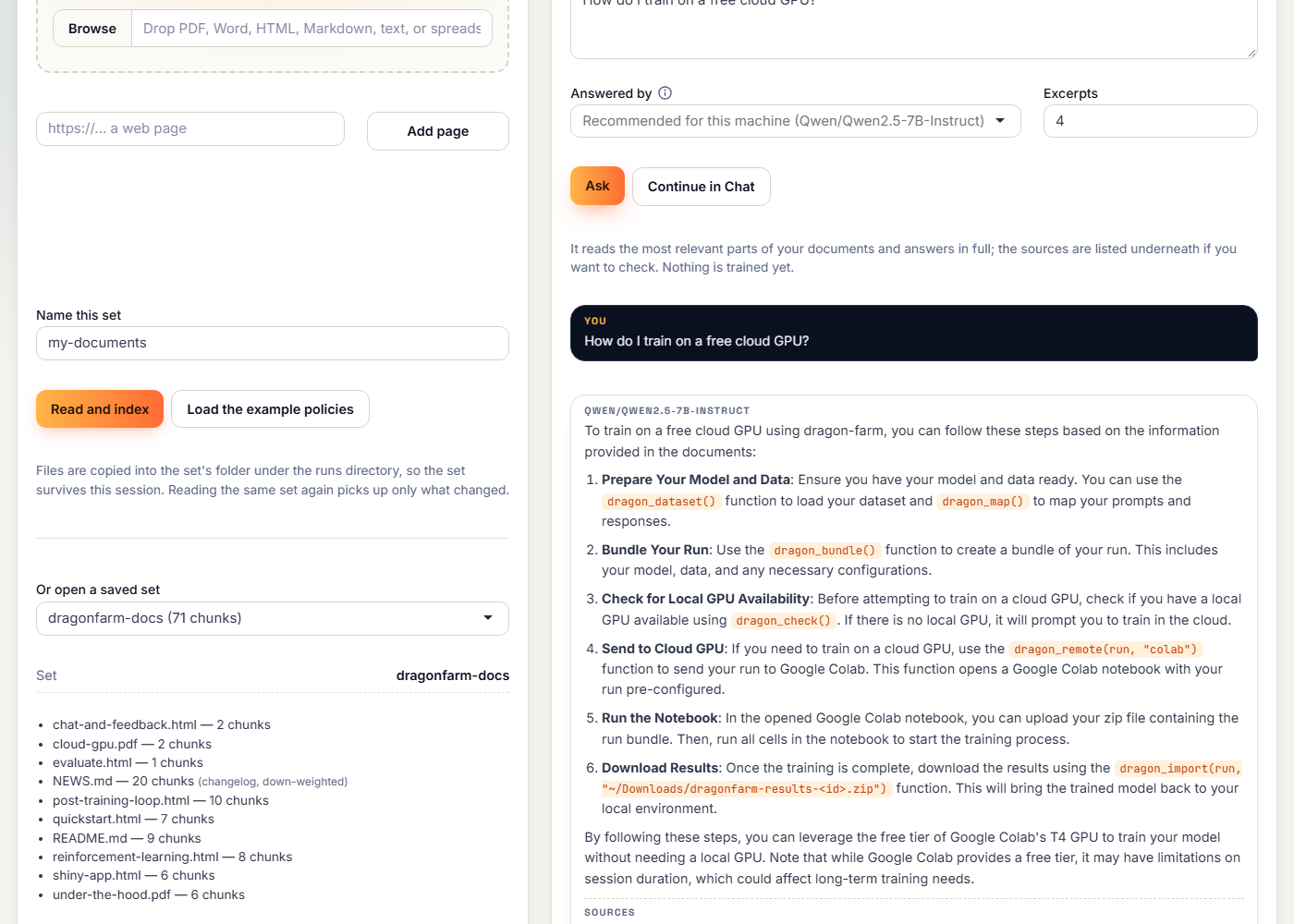
Turn your documents into an AI model you own, without leaving RStudio. Check its answers against their sources, review the practice questions it writes, and train on your own GPU or a free cloud one. No Python to write, no API bill, and nothing leaves your machine unless you allow it.
install.packages("dragonfarm")
Why raise one here
Own your model. Don’t rent one.
The AI tools in your IDE rent someone else’s model. dragonfarm raises one that is yours, from the documents you already have, without a training set or a Python setup.
Your documents become your model
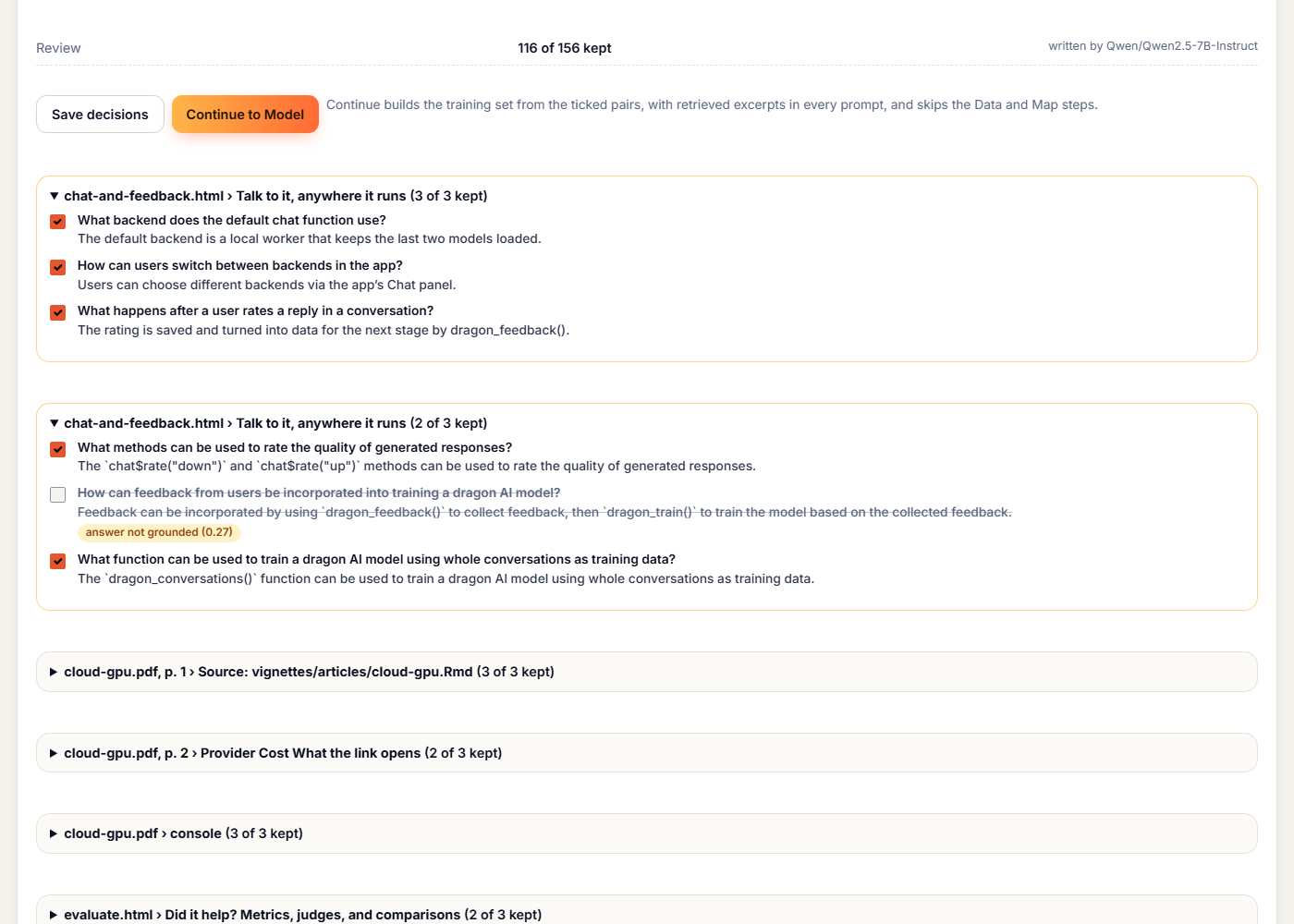
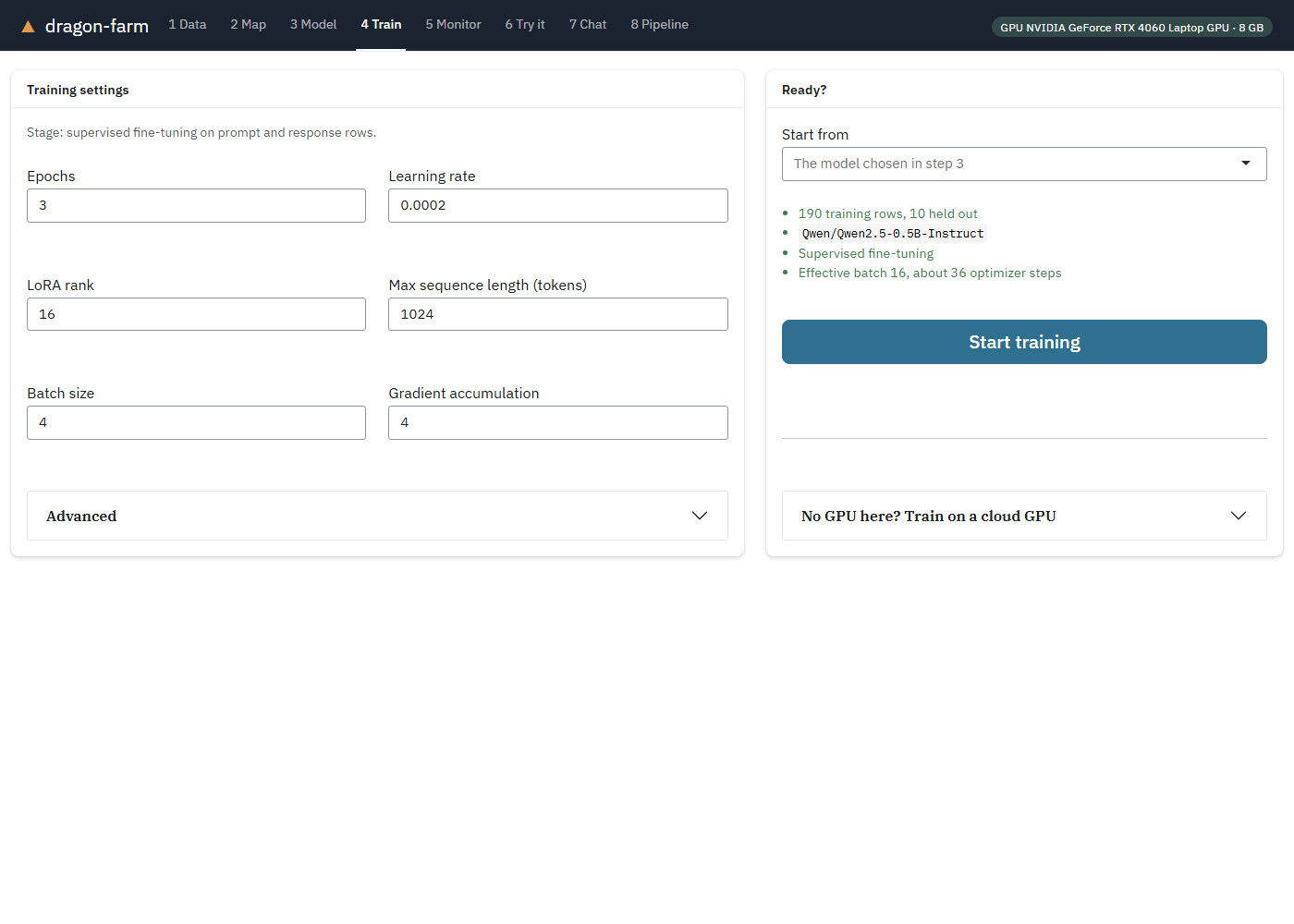
It reads your documents and writes practice questions and answers; you keep the good ones, then train. A 7B model fits an 8 GB laptop GPU, and no GPU means a free one in the cloud.
Never leave RStudio
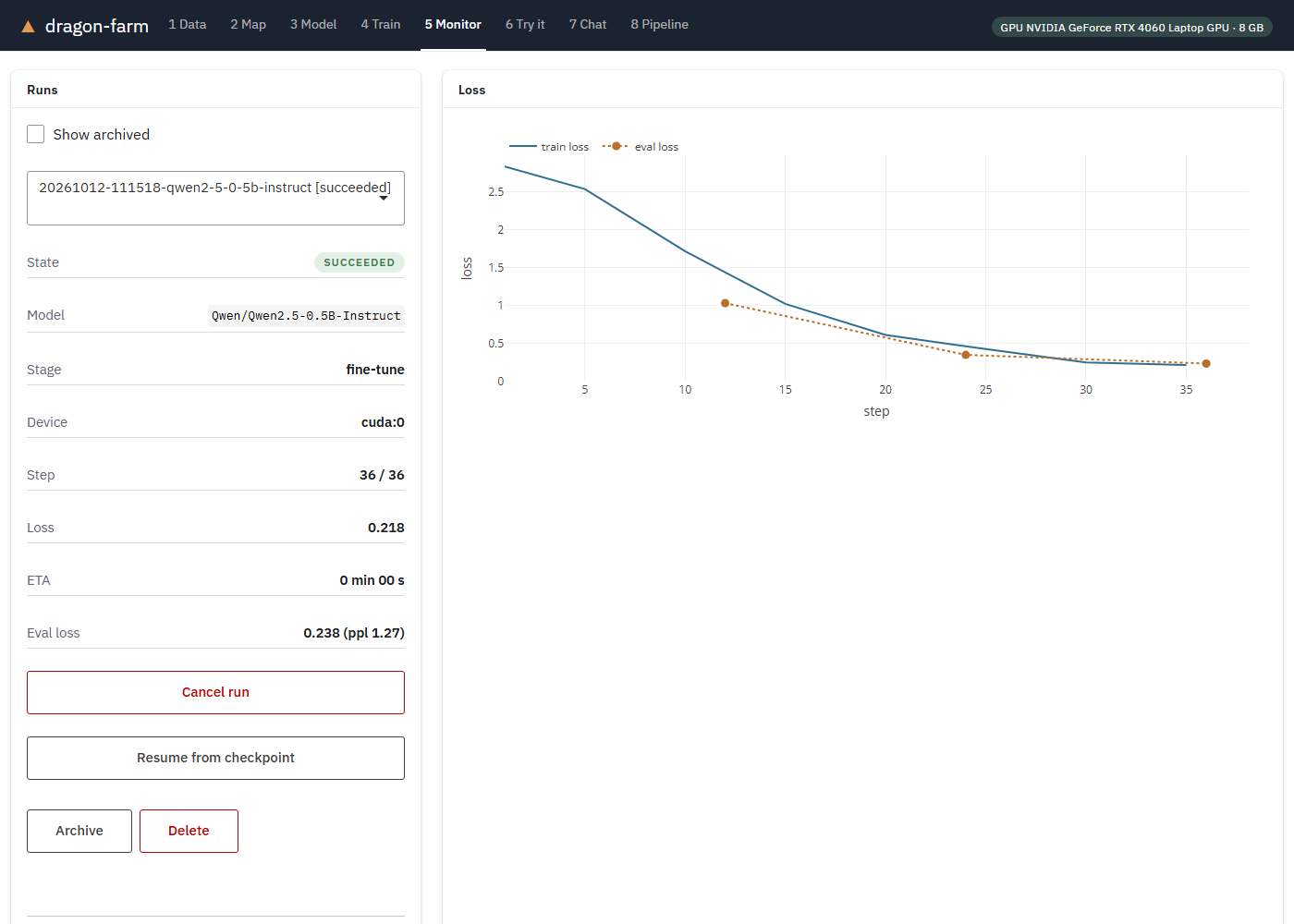
Clicks and drag and drop in an RStudio add-in, and every step is also an R function. Unsloth is built in: fine-tuning ran 1.5 to 2.8 times faster than the standard trainer on the same laptop.
Answers you can check
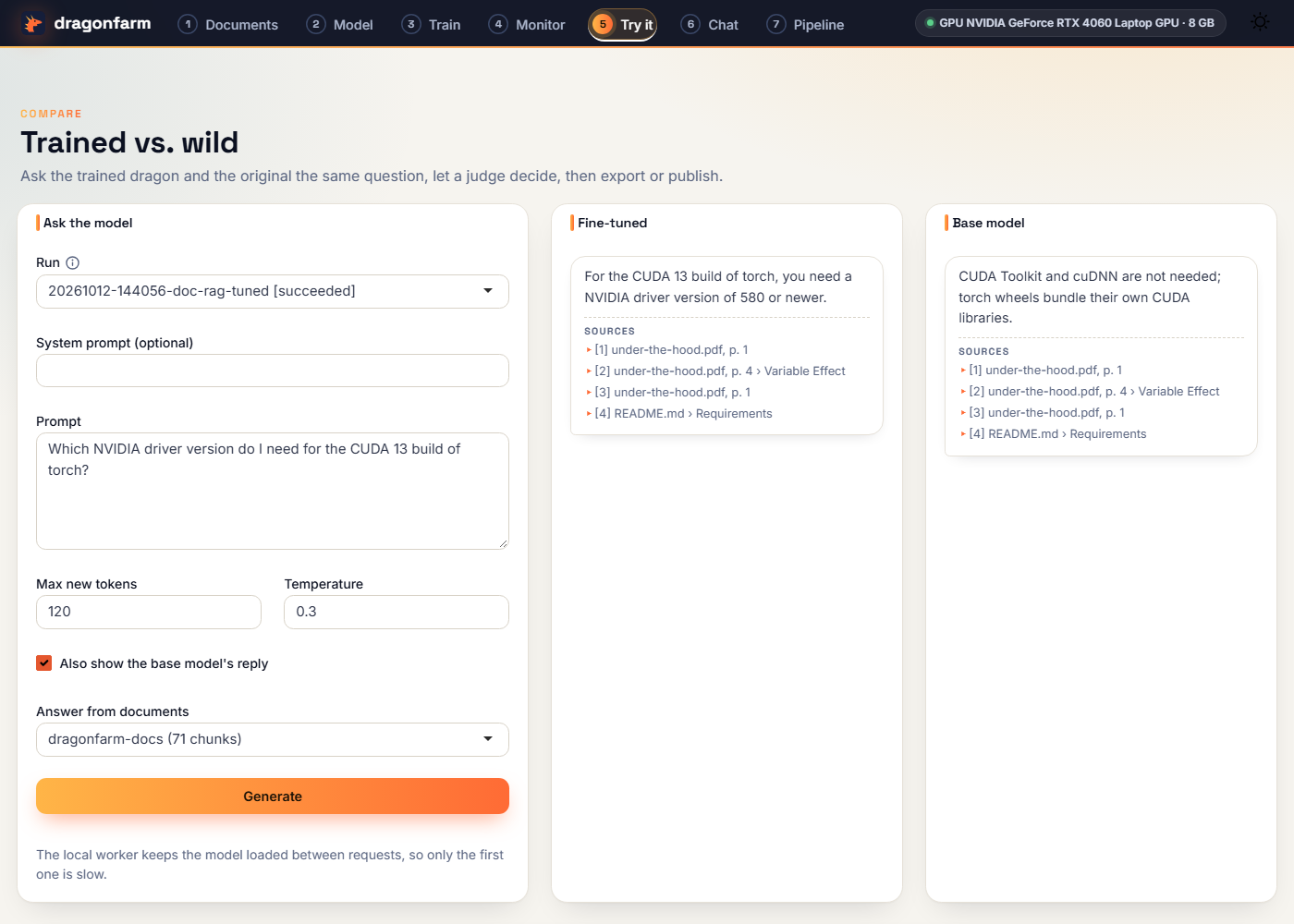
Every answer comes with its sources, and it says “not covered” rather than guess. Answers are recorded and can be replayed, and nothing leaves your machine unless you allow it.
Using ellmer or ragnar? dragonfarm is the next step after RAG: training your own model from the same documents. Its tools also plug into ellmer and MCP.
Same dragon, same ticket
Teach it some manners.
A 0.5B-parameter model, before and after training on 190 example support tickets. This ticket was not in the training data. It is the median of the 10 held-out tickets by word overlap with the reference reply, and both replies are at temperature 0.
The example tickets are synthetic and built from templates, so this shows a model picking up a house style and policy, not open-ended reliability. Use your own data and check the output before relying on it.
Three ways to hatch one
Pick your nest.
Documents first, a table if you have one, the cloud if your laptop is more pebble than volcano. Everything the app does is also an R function, and every dragon lives in a plain folder you can inspect.
Feed it, then teach it
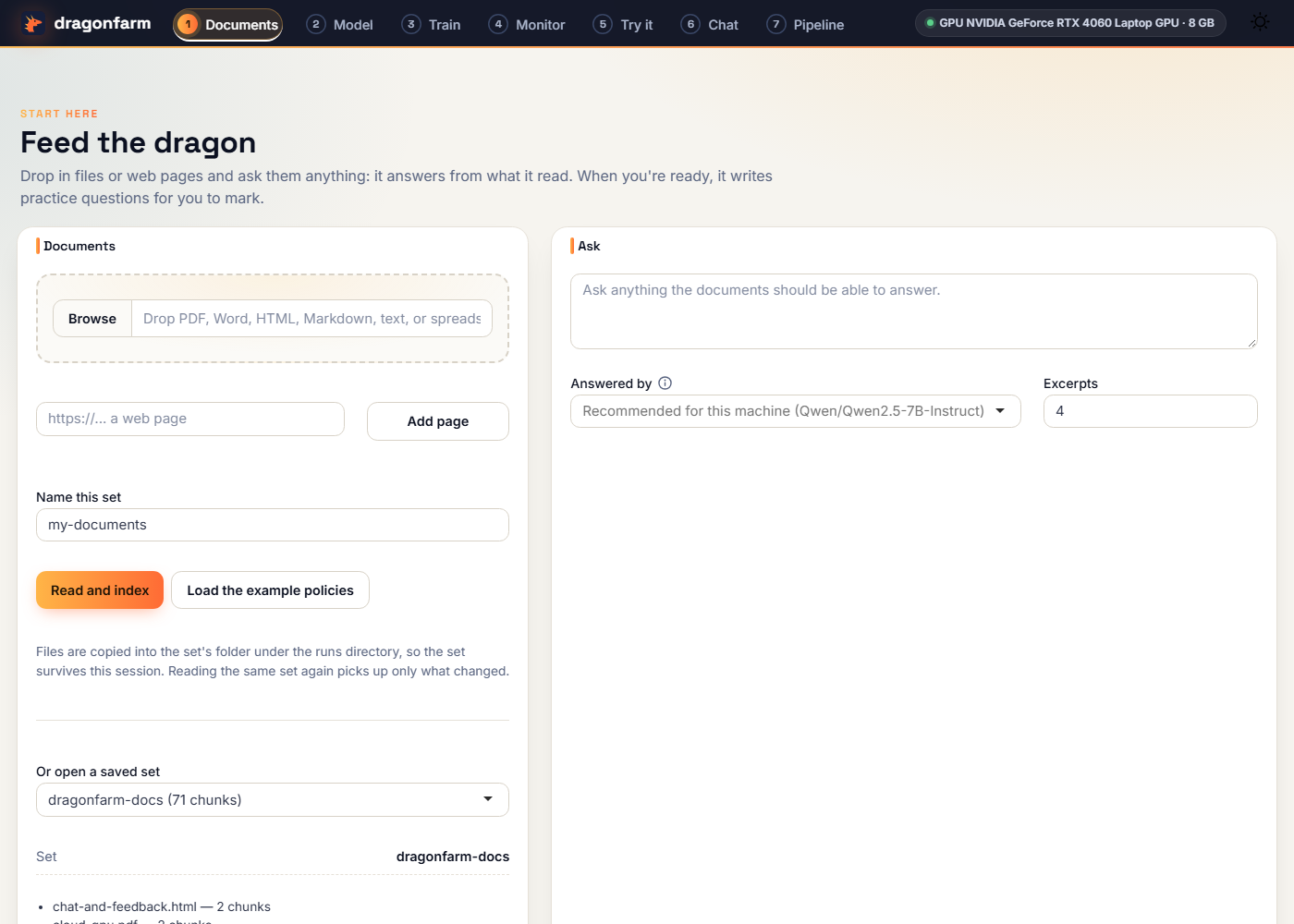
Drop in files or pages, ask anything, review the practice questions it writes, fine-tune.
docs <- dragon_documents("policies/")
dragon_ask(docs, "How long is the
  return window?")
qa <- dragon_questions(docs)   # review
run <- dragon_train(
  dragon_questions_dataset(qa, docs),
"Qwen/Qwen2.5-0.5B-Instruct")No code, no fire hazard
Opens on Documents: drop files, ask, review the practice questions, train, try, chat. Have a table instead? One link switches to the drag-and-drop route.
library(dragonfarm)
dragon_app()No GPU? Borrow a volcano.
Send the run to a free Colab or Kaggle GPU and bring the dragon home. Colab trains the example in about four minutes.
run <- dragon_bundle(tickets,
  "Qwen/Qwen2.5-0.5B-Instruct")
dragon_remote(run, "colab")
dragon_import(run, "results.zip")
Advanced dragon training
When one lesson isn’t enough.
Preference tuning, reinforcement learning with rewards you can check, judges, chat, and publishing to the Hugging Face Hub. Treats and tough love, both included.
Your first dragon is ten minutes away.
Install the package, run dragon_check(), and open the app. The first run builds the nest (a Python environment) for you.
install.packages("dragonfarm")